
Social icons can be added to both the header and the footer.
Header
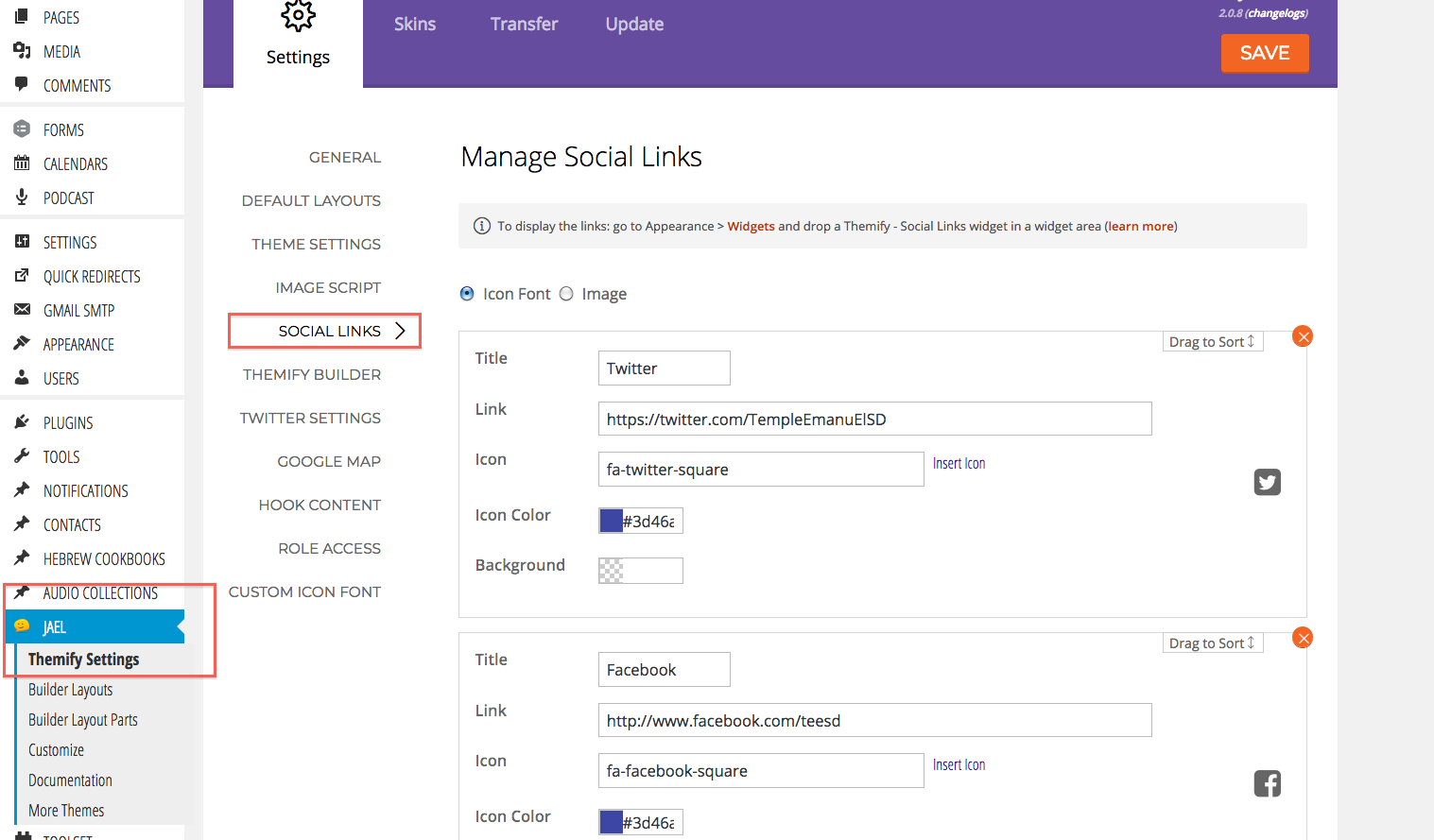
To add or edit the social icons in the header, go to the admin and find your theme name (etc Jael) > Themify settings > Social links.
Here you can edit, add or sort your social icons. Then save.
Footer
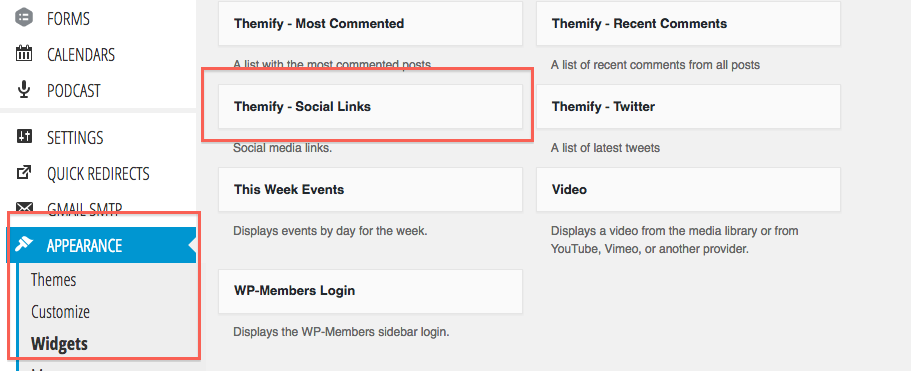
If you want to add your social icons to the footer, go to Appearance > Widgets and scroll down till you see the Themify - Social Links widget.
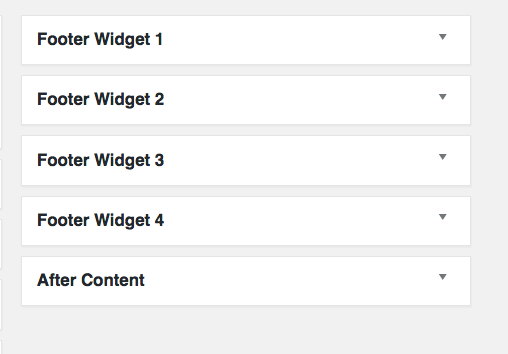
Drag and drop the social widget into the footer position you wish.
Check how it looks on frontend.