
1) Go to the Page or Post you wish to embed the PDF
2) Place your cursor where you wish the PDF to display
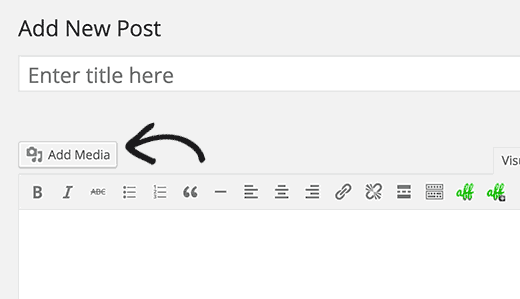
3) Click on the Add Media button.
4) Either select a file from the Media Library or Upload a new file

5) Once you have the PDF selected, go to the bottom of the Attachment Details screen on the right and under Attachment Display Settings, make sure it says Link To Media File

6) Press Insert into Page and you'll see the short code added into the Page or Post
7) Save and check on frontend