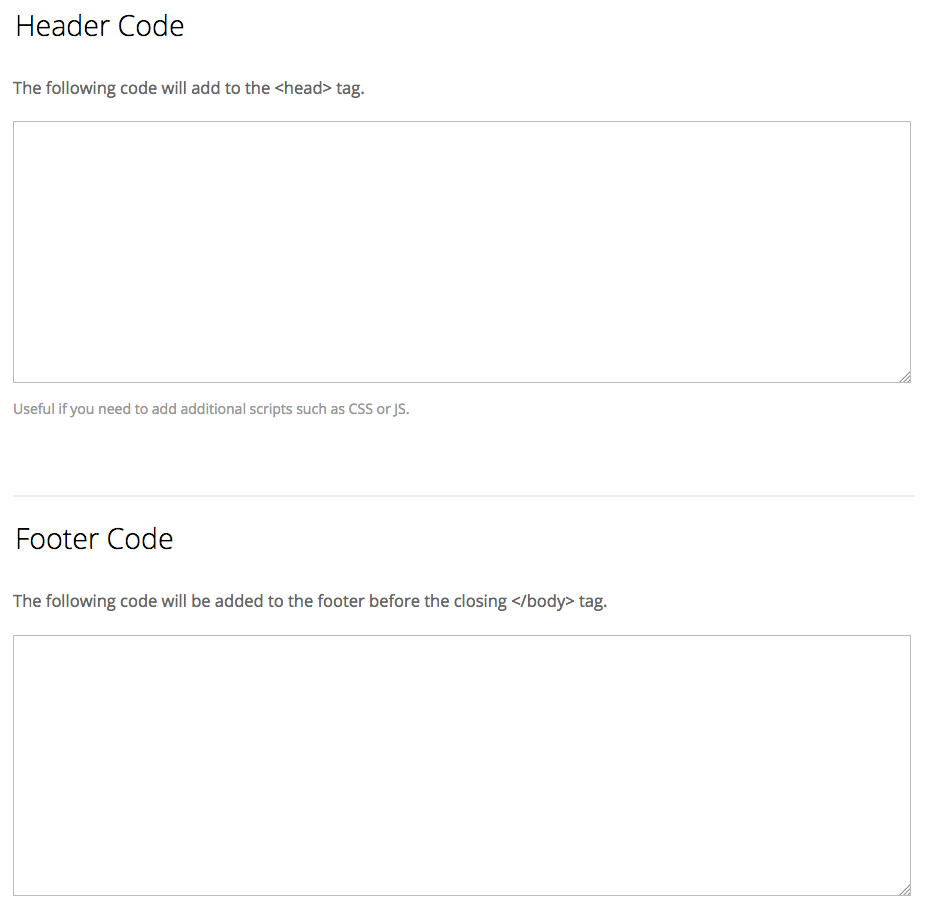
After you've set up your google analytics account, you'll want to take the code provided and follow these steps.
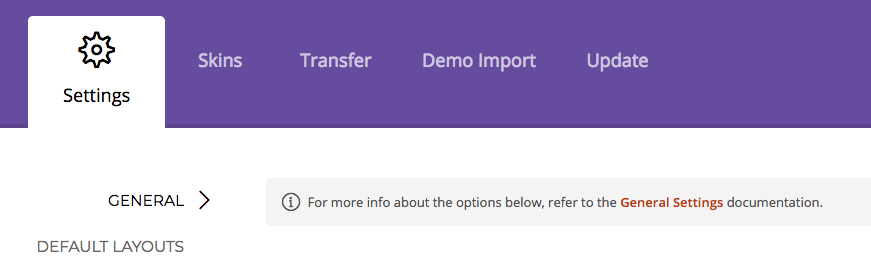
1) In the dashboard, find your theme and go to Themify Settings

2) Under Settings, make sure you're in the General tab
3) Scroll down till you see the fields for Header Code or Footer Code and paste the code