
- 1. In dashboard, go to Zoom Meetings > Settings page
- 2. Scroll down and check for DateTime Format setting. Choose your prefered date and time format.
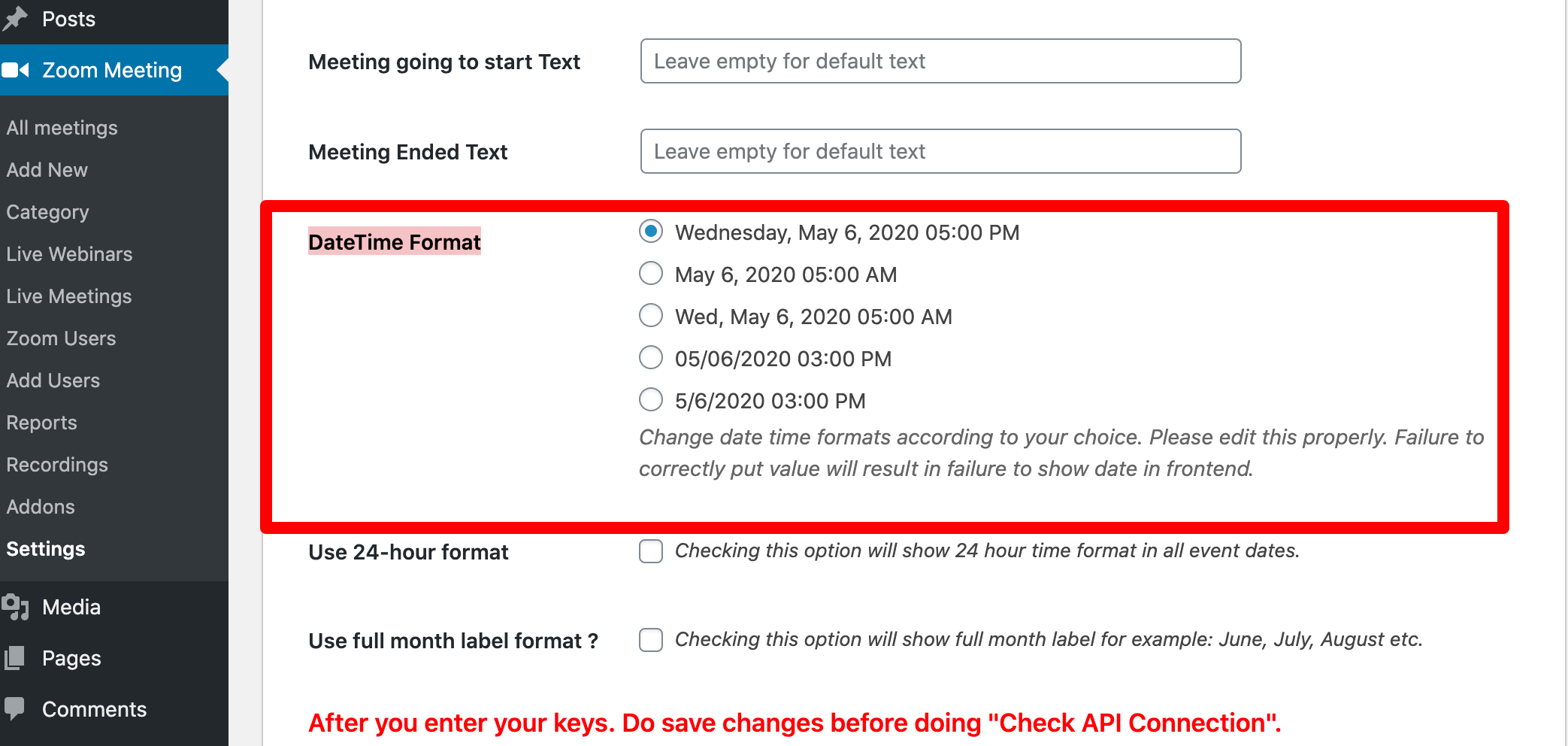
To change the hour format or month label type.
- 1. In dashboard, go to Zoom Meetings > Settings page
- 2. Scroll down and check for Use 24-hour Format and Use full month label format setting. Check or uncheck.