
With the RJ Web Builder calendar plugin, event categories can be designated via different colors, so your users can easily distinguish between categories. As an option, you can add a color legend to the top of the calendar page.
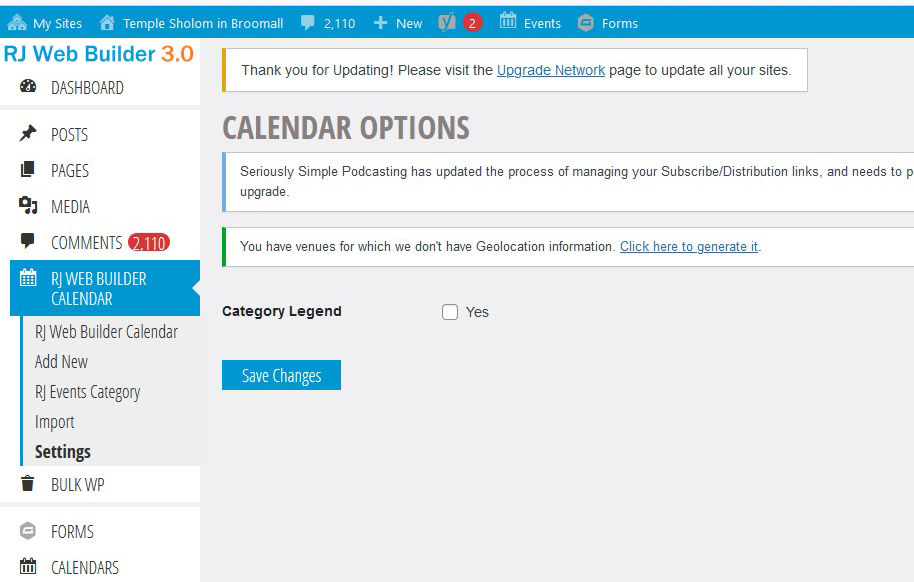
In the backend, go to RJ Web Builder Calendar > Settings, click yes and save settings.
This is how it looks on calendar page.
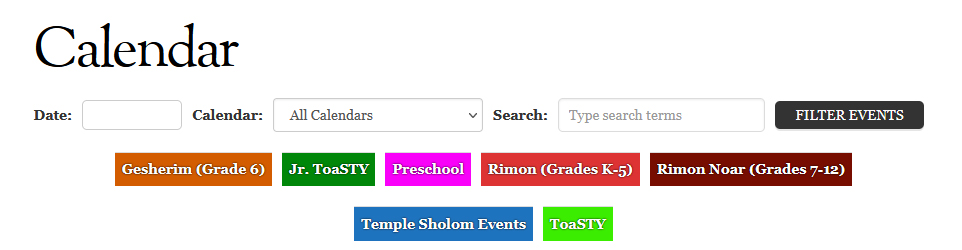
Along with the calendar drop down to filter events, you can click on the calendar in the color legend to display events from a single calendar.