Inline editor allows you to quickly edit any text-based content without having to open the module option panel.
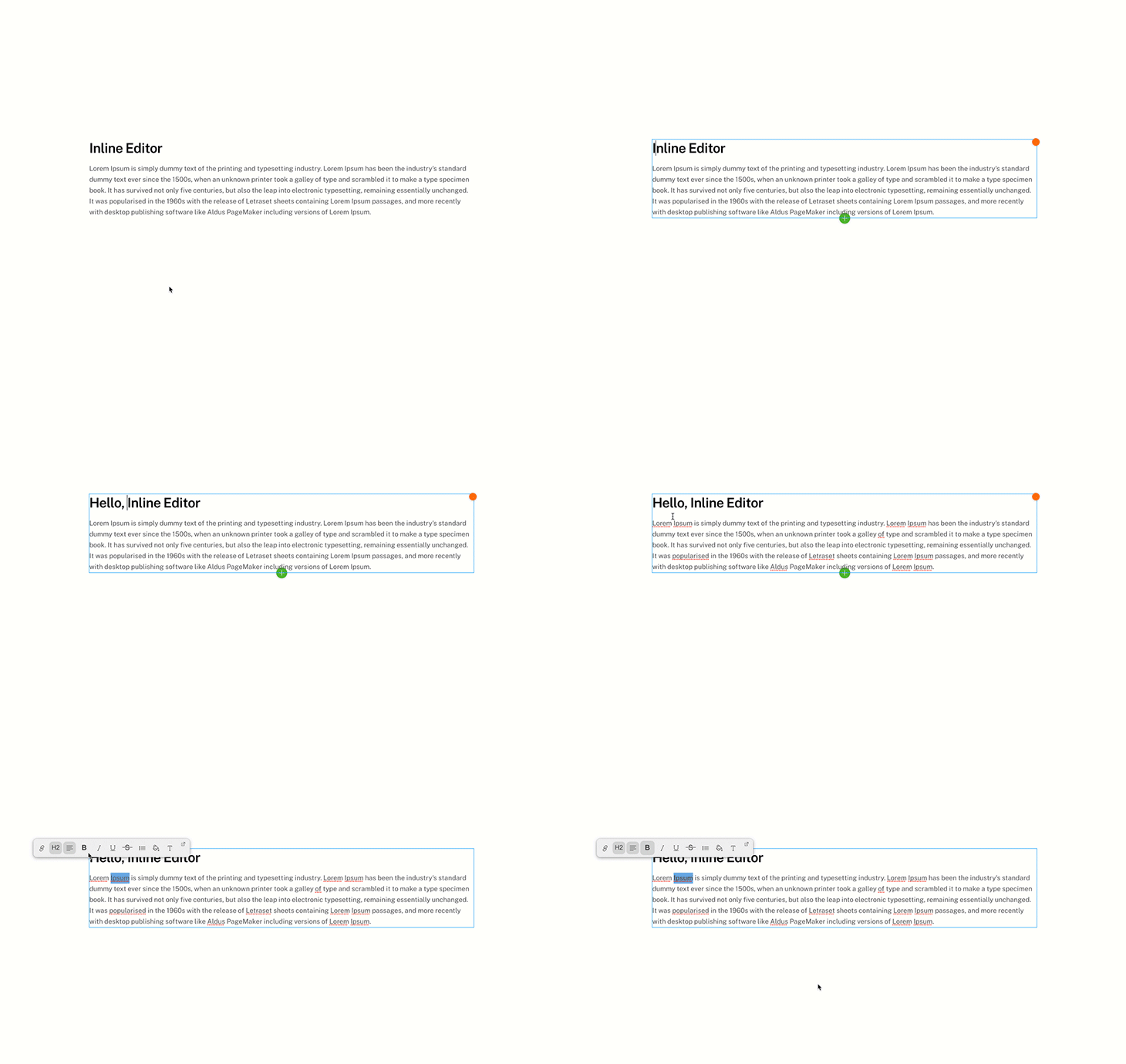
After signing in and turning on the frontend buider, simply click on the text and start typing to edit the content. On the inline editor bar, you can apply formatting such as: link, heading tag, text alignment, text style, bullet/numbered list, colors and fonts.
The inline editing feature is available on any module that has text element such as: Text, Button, Icon, Tab, Accordion, Slider, and more.