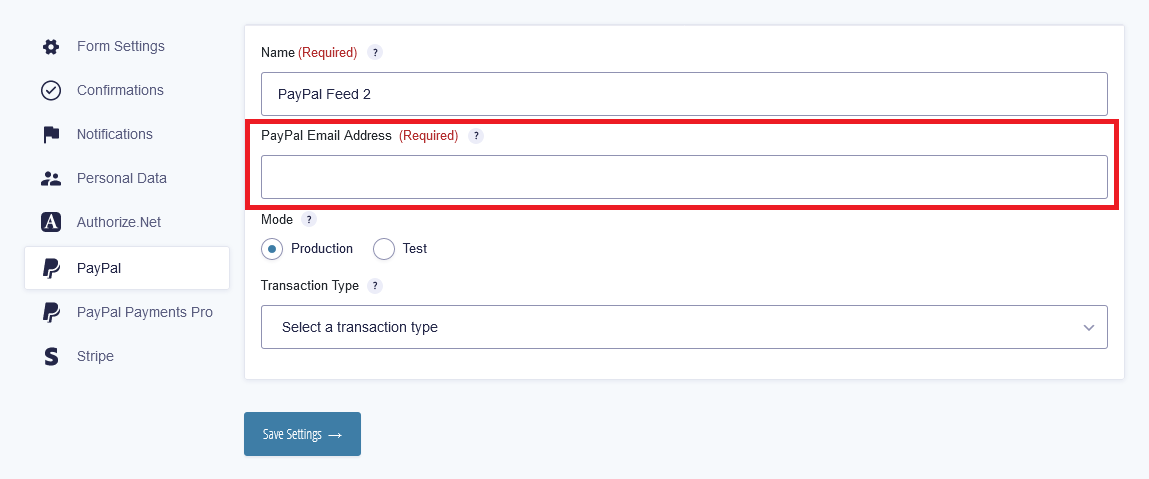
If users are submitting payments successfully via paypal, but you are not receiving an admin notification, it may be a paypal IPN (Internet Protocol Network) issue. In this case, the payment email address you configured in the gravity forms paypal feed settings is not the primary email address in your paypal account. If the email address used in your feed settings does not match the email address paypal sends in the IPN request, it will not validate.
When this issue arises, we'd see an error like this in our logs.
2022-06-14 10:13:58.319608 - ERROR --> GFPayPal::can_process_ipn(): PayPal email does not match. Email entered on PayPal feed:FIRST_EMAIL - Email from IPN message:SECOND_EMAIL
This means that the paypal email in the form settings for receiving payments does not match the email where the IPN is confirmed to verify receipt of payments.
There are two options to fix this issue.
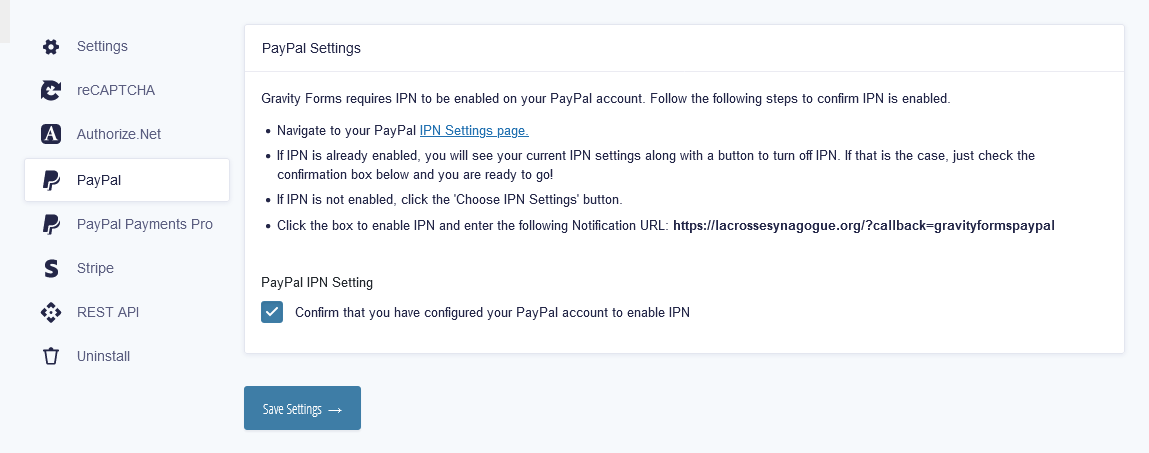
1) Go to Forms > Settings > Paypal, navigate to your PayPal IPN Settings page and follow the instructions on this page.
2) Make sure you are using the correct email and if not, change it in the form settings.